
Back to Blog
session-replayios-debuggingmobile-observabilityconsole-logs
"Can You Send Me a Screen Recording?" — The Question That Proves Your Debugging Is Broken
PipeKit Team
You've asked it. Every mobile developer has asked it.
A user reports a bug. You can't reproduce it. Your logs are either buried in a crash reporting tool that shows you a stack trace with zero context, or they simply don't exist because the user was on a build where you hadn't added the right logging yet.
So you ask the question: Can you send me a screen recording?
And you wait. Sometimes they send a shaky 45-second video recorded with another phone, pointed at the screen at an angle. Sometimes they send three screenshots that don't tell you anything. Sometimes they just never reply.
You're now debugging with less information than a 1990s web server had.
The Debugging Tax on Mobile Teams
Backend engineers don't ask users for screen recordings. They open Datadog, Grafana, or their ELK stack, filter by request ID, and see the full story: every HTTP call, every log line, every response payload, every timing. The incident is understood in minutes.
Mobile engineers get a crash report — if they're lucky — with a symbolicated stack trace that tells them *where* the code failed but nothing about *why*. What screens did the user visit before the crash? What API calls fired? Did a request timeout? Did the response come back malformed? Was the user on WiFi or cellular? Was the cache stale?
None of that is in the crash report.
The gap between what backend teams can see and what mobile teams can see is enormous. And it's not because the technology doesn't exist. It's because the existing tools treat mobile observability as a subset of crash reporting — show the exception, show the stack, call it done.
Crashes are the easy part. The hard bugs are the ones where nothing crashes. The app just... does the wrong thing. Silently. And the user can't explain what happened because they don't speak your technical language.
Session Replay: The Full Picture, Not a Fragment
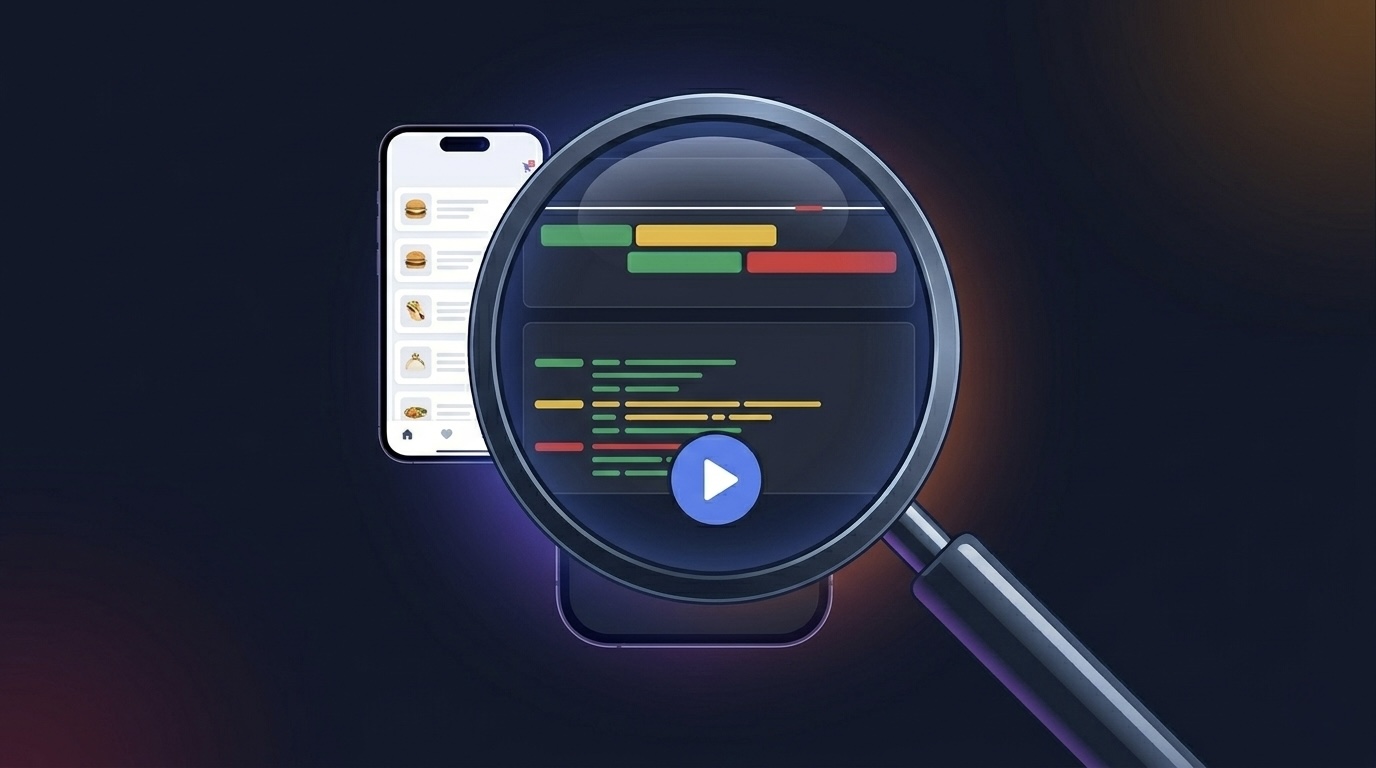
PipeKit records what happened on the device. Not a stack trace. Not a log file you have to grep through. A visual recording of the session — what the user saw, what they tapped, what changed on screen — synchronized with structured console logs and a timeline of every network request.
When a user reports "it didn't work," you don't ask them to describe it. You open the session. You watch it.
Session #4821
Device: iPhone 15 Pro — iOS 17.4
User: [email protected]
Duration: 2m 34s
Started: 2026-03-18 14:22:07 UTC
The session has three layers:
1. Video Playback — A recording of the screen. You see what the user saw. The navigation, the taps, the loading states, the moment something went wrong. No guessing, no "can you describe what you were doing?"
2. Console Logs — Every `print`, every `os_log`, every PipeKit-captured log entry, timestamped and leveled. Debug, info, warning, error. Each log entry includes the file, function, and line number where it was emitted. Filter by level. Search by keyword. Jump to the exact moment in the video when a warning fired.
[14:22:12.041] [INFO]  MenuViewController.swift:47 — viewDidLoad()
    → Menu loaded: 142 items, 12 categories
[14:22:14.203] [DEBUG] CartManager.swift:89 — addItem(_:)
    → Added item SKU-4401 to cart (qty: 1)
[14:22:18.771] [WARNING] PaymentService.swift:156 — processPayment()
    → Gateway timeout after 8.2s — retrying (attempt 2/3)
[14:22:27.004] [ERROR] PaymentService.swift:162 — processPayment()
    → All retry attempts exhausted. Last error: HTTPStatus 504
That log trail tells you more in four lines than a crash report ever could. The payment gateway timed out. The retry logic fired twice and failed. The user saw... nothing. They were staring at a spinner.
**3. Network Timeline** — Every HTTP request the app made during the session. URL, method, status code, duration, request size, response size. You see the request that took 8 seconds when it should have taken 200ms. You see the 504 that came back from the payment endpoint. You see that the retry hit the same server and got the same result.
GET  /api/menu          200  142ms   req: 0.2KB  res: 48KB
POST /api/cart/add       201   89ms   req: 0.4KB  res: 1.1KB
POST /api/payment/charge 504  8204ms  req: 2.1KB  res: 0.0KB
POST /api/payment/charge 504  8301ms  req: 2.1KB  res: 0.0KB  (retry 1)
POST /api/payment/charge 504  8198ms  req: 2.1KB  res: 0.0KB  (retry 2)
Three layers. One timeline. Complete context.
The Bugs That Crash Reports Can't Catch
Crash reporting tools are built for crashes. But the bugs that cost you the most aren't crashes — they're silent failures.
The button that does nothing. A user taps "Submit" and nothing happens. No crash. No error in your crash reporting dashboard. The user taps again. Nothing. They close the app. With session replay, you'd see: the button handler fired, the API call returned a 200, but the response body was empty because a backend migration changed the field name from `orderId` to `order_id`. The app parsed `nil`, silently failed the guard statement, and returned without updating the UI.
The stale data problem. A restaurant manager sees yesterday's menu prices. They change a price, save it, and the old price reappears. No crash. The issue: the local cache TTL was set to 24 hours, the save went to the server but the GET that followed hit the local cache. Without network capture showing the response timing and the cache headers, you'd never piece this together from user reports alone.
The race condition. Login works fine on fast connections. On a slow 3G connection in a rural area, the token refresh and the profile fetch fire simultaneously, and the profile fetch uses the expired token. The result: the user sees their profile as "Guest" even though they're logged in. No crash. No error log. Just wrong data on screen. Session replay with network timing makes this obvious in seconds.
These bugs don't show up in Crashlytics. They don't trigger Sentry alerts. They live in the space between "the app didn't crash" and "the app didn't work" — and that space is where your users lose trust.
Not Another SDK That Eats Your Battery
The first question every mobile engineer asks about session recording: **what's the performance cost?**
Fair question. Some session recording SDKs are notorious for bloating memory, draining battery, and adding latency. PipeKit's approach is different:
Capture is lightweight. The SDK captures screen state efficiently — not by mirroring every pixel every frame, but by recording meaningful visual changes. When nothing changes on screen, nothing is captured.
Logs are structured, not dumped. Console logs are captured with metadata (level, file, function, line) and batched. They're not streamed in real-time — they're collected during the session and uploaded when the session ends or the app backgrounds.
Network interception is passive. PipeKit intercepts `URLSession` traffic using standard `URLProtocol` mechanisms. No monkey-patching. No swizzling of methods that Apple could break in the next iOS release. It records the metadata (URL, method, status, timing, sizes) — not the full request/response bodies. Your users' sensitive data stays on the device.
Upload is deferred and queued. Session data is written to local storage and uploaded in the background. If the device is offline, sessions queue and drain when connectivity returns. No data loss, no blocking the main thread.
Every Flow Execution Has a Session
Here's where PipeKit's session replay becomes something no standalone observability tool can offer: **every remote flow execution is tied to a session.**
When you trigger a `@Rewire` flow from the dashboard — say, "clear cache → refresh config → verify state" — and it fails on the third step, you don't just see the execution log. You can open the session that was active on the device at that moment.
You see what was on screen when the flow ran. You see the console logs that fired during execution. You see whether the network requests triggered by "refresh config" actually returned valid data. You see the full device context — not just the return value of your node.
This is the difference between "step 3 returned `.failure("invalid state")`" and actually understanding *why* the state was invalid.
Execution #2847
Flow: maintenance-routine
Status: PARTIAL (2/3 completed)

Step 1: clearCache      ✅ 340ms  {"freed": "128MB"}
Step 2: refreshConfig   ✅ 890ms  {"version": "2.4.1"}
Step 3: verifyState     ❌ 12ms   "State hash mismatch: expected a3f2..."

📹 Session #4821 — Watch replay →
Click through to the session. Watch the replay. See that the config refresh returned version 2.4.1, but the cached state was built against 2.3.9, and the hash verification rightfully failed because the schema changed between versions. You just solved a bug that would have taken hours of back-and-forth in Slack.
What Gets Captured (and What Doesn't)
Transparency matters. Here's exactly what PipeKit's session recording collects:
Captured
- Screen state changes (visual recording)
- Console log entries (level + metadata)
- Network request metadata (URL, status, timing)
- Device info (model, OS version)
- User identity (if set via identifyUser())
- Flow execution context
Not Captured
- Keystrokes or typed text
- Full request/response bodies
- Sensitive headers (Authorization stripped)
- Location data
- Contacts, photos, or other personal data
- Anything outside the app sandbox
We don't capture what we don't need. The goal is debugging context, not surveillance.
Setting It Up: Three Lines of Code
Session replay is part of the PipeKit SDK. If you've already integrated PipeKit for `@Rewire` or `@PipeFlag`, session recording is one configuration call away:
import PipeKitSDK

@main
struct MyApp: App {
    init() {
        PipeKit.configure(appId: "your-app-id", apiKey: "pk_live_...")

        // Identify the user for session context
        PipeKit.identifyUser(
            userId: "usr_4401",
            email: "[email protected]",
            name: "Ahmed"
        )
    }
}
Sessions appear in your PipeKit dashboard. Filter by device, user, date, or associated flow execution. Click into any session to watch the replay, scrub through console logs, and inspect the network timeline.
No separate SDK. No additional API key. No configuration file with 47 options. It's the same SDK you already use for runtime control — observability is built in, not bolted on.
The Real Cost of Debugging Blind
Every mobile team has a version of this story:
A critical bug is reported by a high-value customer. An engineer spends four hours trying to reproduce it. They can't. They ask for more details. The customer sends a vague description. Another two hours of guessing. They finally reproduce it on a specific device model with a specific OS version and a specific network condition. The fix is two lines.
Six hours of engineering time to find a two-line fix. Multiply that by every silent bug, every "works on my machine" mystery, every customer escalation that turns into a guessing game.
Session replay doesn't just save debugging time. It changes the economics of bug resolution. Instead of engineers spending hours reproducing issues, they spend minutes watching what happened. Instead of customers abandoning your app because nobody could figure out their problem, you fix it before they follow up.
The bugs that cost you the most aren't the ones that crash the app. They're the ones that make the user quietly switch to your competitor. And you never even knew something was wrong — because your crash reporting dashboard showed green across the board.
Observability Without Action Is Just a Dashboard
Most observability tools stop at showing you what happened. PipeKit doesn't stop there because it was never just an observability tool.
You watch a session replay. You see the bug. Now what?
With PipeKit, you can take action on the same device, from the same dashboard. Trigger a `@Rewire` node to clear the corrupted cache. Flip a `@PipeFlag` to disable the broken feature while you prepare a proper fix. Compose a flow that resets the affected state and notifies the user. All without an App Store update. All within minutes.
See the problem. Understand the context. Fix it remotely. Verify the fix in the next session.
That's not observability. That's a control plane.
PipeKit is the runtime control plane for iOS applications. Session replay, console logs, network capture, remote actions, and feature flags — one SDK, one dashboard, zero App Store updates.
Ship logic, not binaries.
Try PipeKit → pipekit.tech
Turn it off without shipping a build.
Feature flags, kill switches and session replay for iOS and Android. One SDK, one dashboard.
Get Started Free